Is Bicep Heart AI free?
You can buy a one-time credit pack or subscribe monthly or yearly. Pack credits stay valid for 12 months, and failed videos never cost credits.
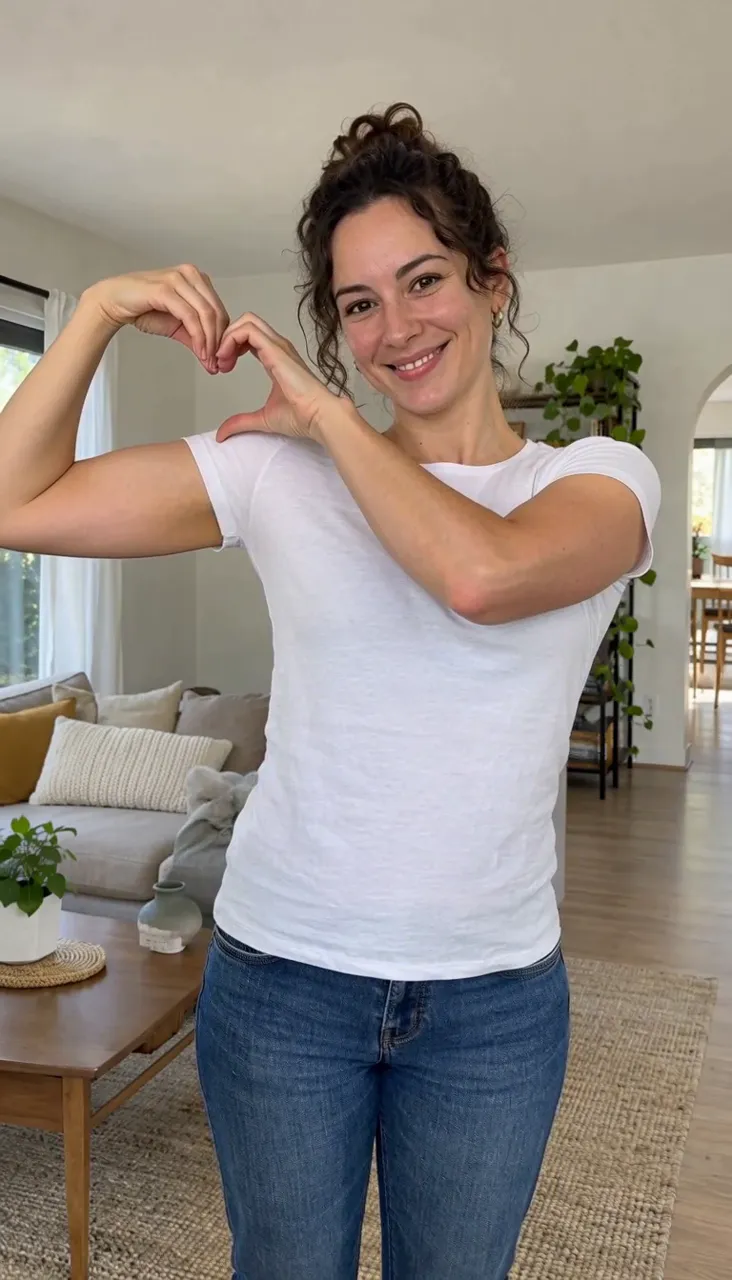
See packs and plansUpload one photo and our Bicep Heart AI generator turns it into a real 6 second video, not a still picture: you smile, flex your bicep and make a heart with your hands, ready to post on TikTok, Reels or Shorts.
Your photo
Quality
Length
Sound
The original trend audio, for personal posts only. Platforms may mute it, and it will not link your post to the trend's sound page.
This video costs 50 credits
Credits are only kept if the video finishes.
Powered by MiniMax H3 Max Turbo and Google Gemini 3.5 Flash, served by fal.ai.
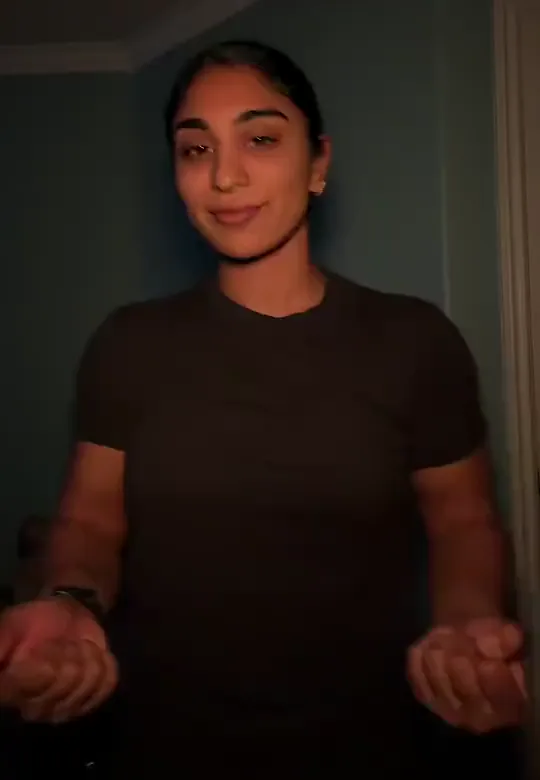
1 photo in → 1 Bicep Heart video out
BicepHeart.top is a bicep heart video generator that turns one photo into a short video of the trend: you smile, flex your bicep and make a heart with your hands. Upload a waist-up photo of one adult and it renders a 6 second video in your own outfit and background. A standard video costs 50 credits, credit packs start at $9.99, and failed videos never cost anything.
Each clip below started as one ordinary photo. The card shows the photo that went in and the bicep heart video that came out.
Bicep heart from one photo
One photo in: he flexes his bicep and makes a heart with both hands.
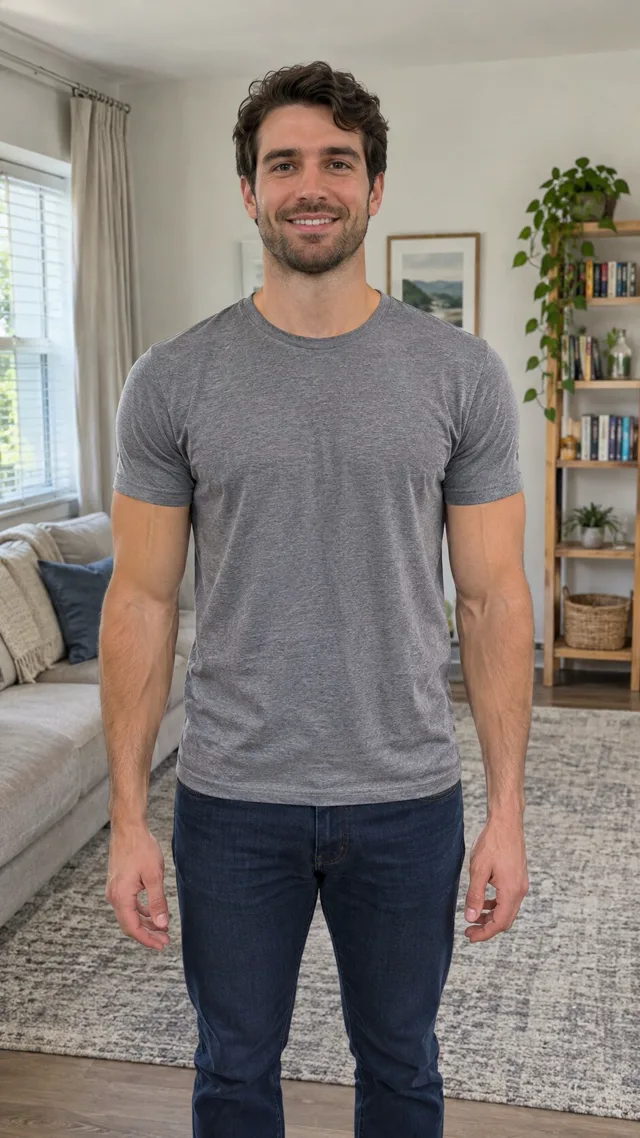
Bicep heart, white tee
One living room photo in: she flexes and curls both hands into a heart.
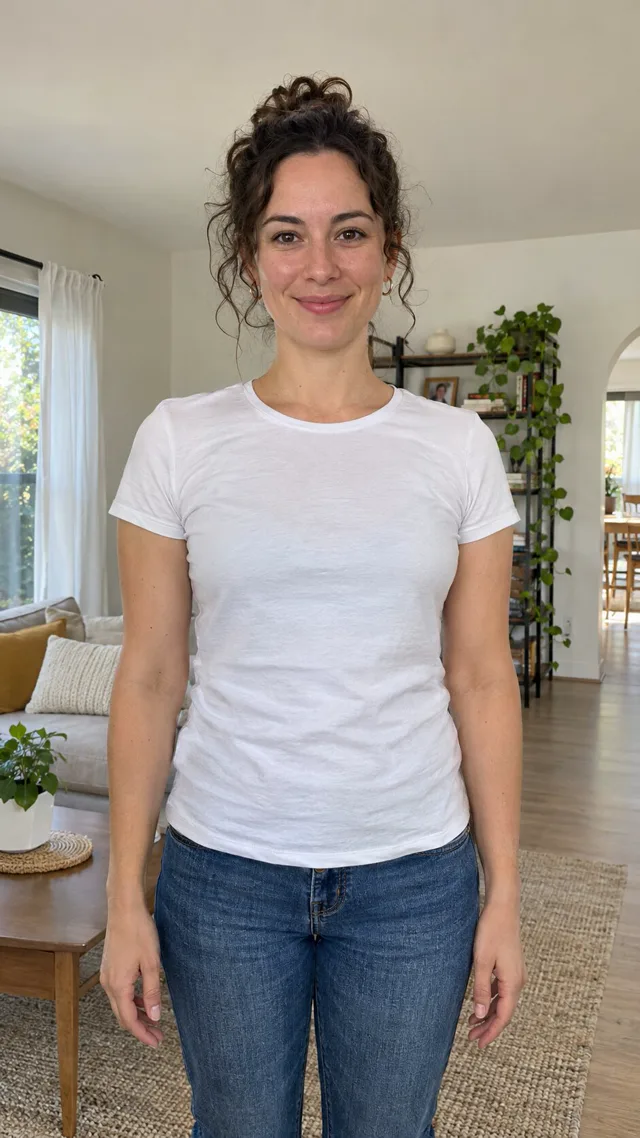
You can make a bicep heart video in about 10 seconds, and you only spend credits on a video that finishes.
Read the full Bicep Heart AI tutorialUse a photo of one adult from the waist up, with the face and both arms in view. You do not need to do the pose yourself.
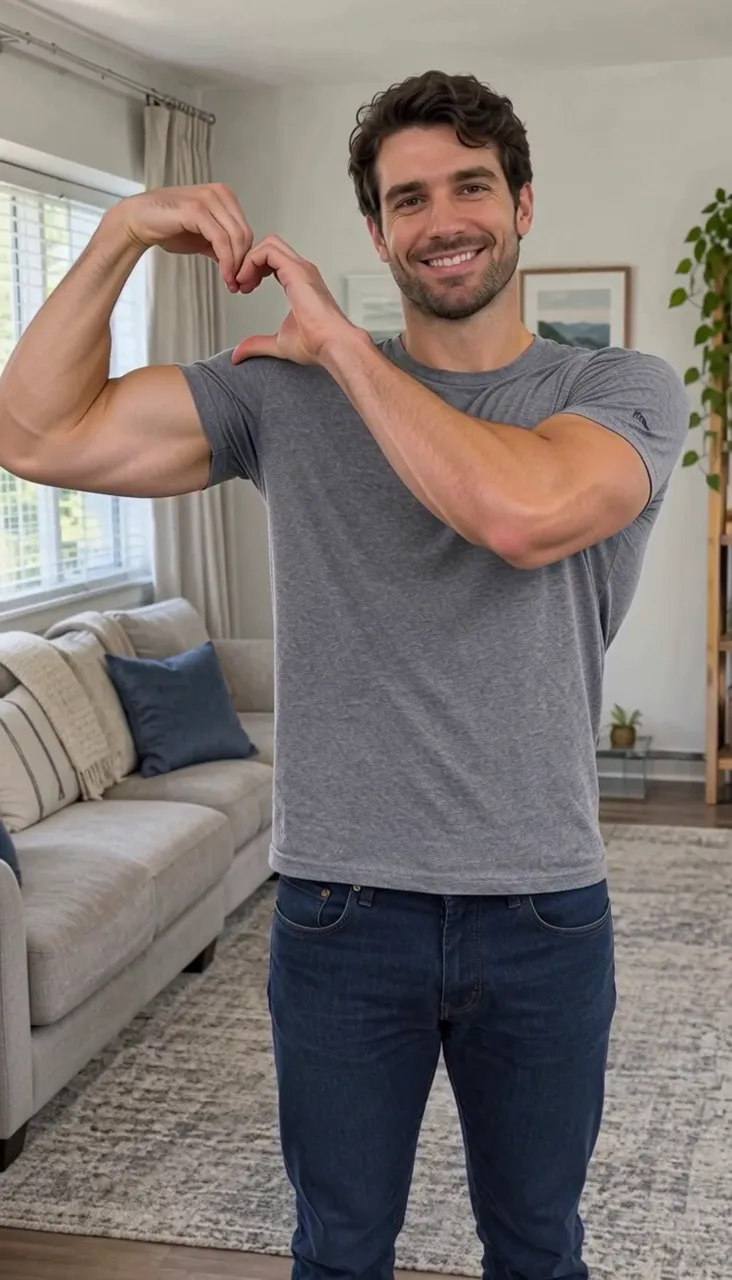
Choose 480P, 768P or 1080P. Every video is 6 seconds and keeps the shape of your photo, so a vertical photo gives a vertical video. The price is shown before you start.
Tap Generate video. You smile, flex your bicep and make a heart with your hands, in your own outfit and background, ready to download as an MP4.
The bicep heart is a short TikTok and Instagram Reels trend: you flex one arm and turn your hands into a heart right next to it, usually set to the trend sound. Bicep Heart AI makes that clip from a single photo, so you can join in without filming.
Raise one arm to the side, bend the elbow so the fist comes up beside your head and show off the bicep.
Bend the wrist so the hand hooks over, bring the other hand up to meet it, and the two hands form a heart beside your face.
Getting the hands to line up on camera takes several takes. With a photo you already have, the AI does the move for you, and you can make one for a friend too.
BicepHeart.top is a Bicep Heart AI generator built only for this trend, so every setting is tuned for this one move.
Credits are returned automatically if a video fails or takes longer than 30 minutes, so you only spend them on videos you can download.
Your photo is the first frame of the video, so your face, clothes and room stay exactly as they are.
The video is set up to keep your real arm size, skin tone and body shape instead of adding muscle that is not there.
Any clear waist-up photo works. You do not have to flex in the photo or write anything: the move is already set up.
Every video is 6 seconds. Pick a quick 480P version or the sharpest 1080P one before you render.
Make, download and post your Bicep Heart AI video right from your phone or desktop browser.
The video starts from your photo and copies your face, hair, outfit and background, so a clear photo gives you a better result.
Use: One adult, waist up
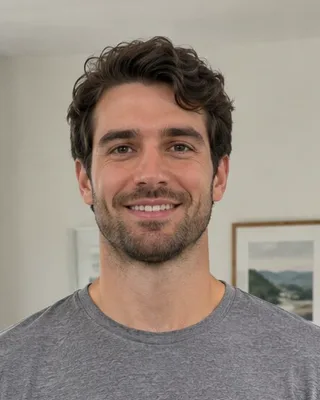
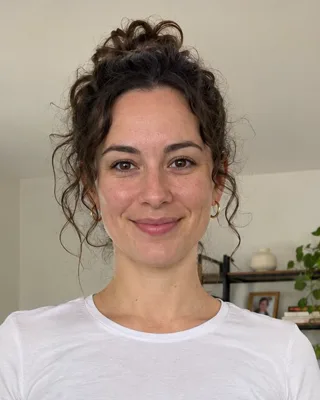
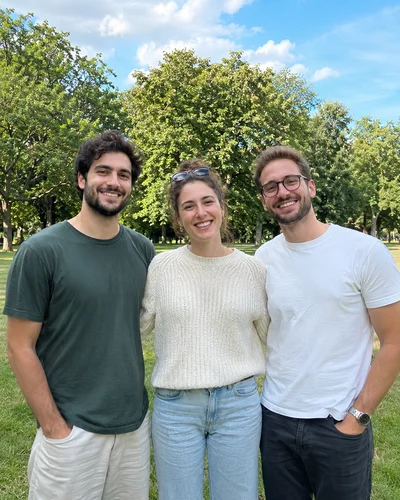
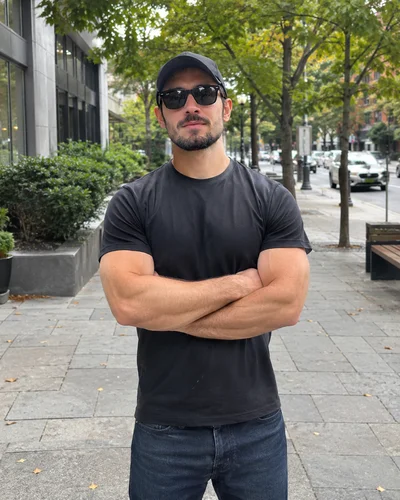
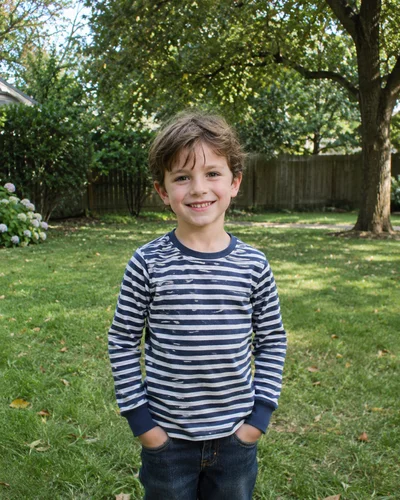

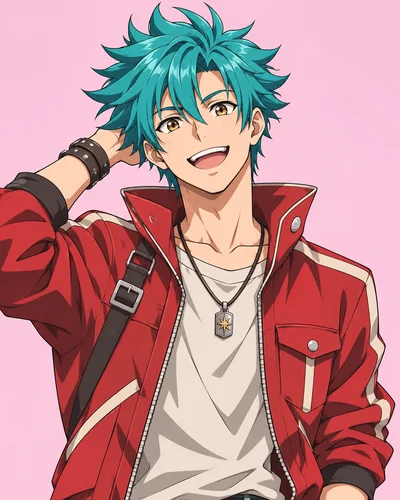

Avoid: Anything that is not one adult, waist up
Buy a credit pack once or subscribe for a fresh set of credits every billing period. A standard 768P bicep heart video costs 50 credits, and failed videos never cost anything.
Starter
Try the bicep heart trend once. Enough for one standard 768P video or two 480P ones, with a full year to use them.
Launch priceSave 23%
$9.99$12.99
One-time payment, no subscription
Popular
Most popularThe pack most people pick. Make a few versions with different photos, or one sharp 1080P video plus a 768P one.
Launch priceSave 29%
$19.99$27.99
One-time payment, no subscription
Pro
For creators and gift makers who make videos for other people. The lowest price per credit of any pack.
Launch priceSave 33%
$39.99$59.99
One-time payment, no subscription
Pack credits stay valid for 12 months and never renew. Credits from failed videos come back automatically.
Monthly
For creators who post bicep heart videos often. Fresh credits each month, and you can cancel any time.
Launch priceSave 20%
$19.99/month$24.99
Billed monthly, cancel any time
Yearly
Most popularA full year of credits up front at the lowest price per credit on the site, billed once a year.
Launch priceSave 17%
$99.99/year$119.99
$8.33 a month, billed once a year
Plans renew automatically until you cancel. Each period's credits expire when it ends and do not roll over.
Answers to the questions people ask most before making their first Bicep Heart AI video.
You can buy a one-time credit pack or subscribe monthly or yearly. Pack credits stay valid for 12 months, and failed videos never cost credits.
See packs and plansYou need a free account so your videos and credits are saved to you. Every video downloads as an MP4 with no watermark.
No download needed. The generator runs in the browser on iPhone, Android or desktop, from upload to download.
Yes. The bicep heart is a solo move: one person flexes one arm and makes the heart with both hands. Upload a photo of just you and that is all it takes.
Not in one video yet. Each photo must show exactly one person, so group and couple photos are rejected. You can make one video for each of you and post them side by side or one after the other.
It works with any arm size. The video keeps your real arm size, skin tone and body shape, so it does not add muscle that is not there and it does not make cartoon-size arms.
No. Any clear waist-up photo of you works, arms relaxed is fine. The flex and the heart are added by the AI.
No. The move is the same, but each render is made fresh, so hand shape and timing vary a little from video to video, even from the same photo. Every render costs credits, and failed ones are refunded.
Not yet. Right now the generator only accepts photos of real adults, because the move needs a human arm and hands to look right.
Most videos are ready in about 10 seconds. You can leave the page and find the video later in My Videos.
A photo of one adult from the waist up, facing the camera in even light, with both arms in view. Short sleeves help the bicep show. Head-only selfies and cropped arms give weaker results.
Yes, if you want it. Pick Trend sound (the default) for the original trend audio, or No sound for a silent video. The trend sound is for personal posts only. If you want your post listed under the trend, choose No sound and add the trend sound in TikTok or Instagram when you post.
Yes. Videos download as MP4 in the shape of your photo, so a vertical photo gives a 9:16 video for TikTok, Reels and Shorts. Only use photos you have the right to use, and do not use the tool to impersonate or mislead anyone.
The trend is usually filmed by hand, not made with an in-app filter. If you do not want to film it, BicepHeart.top makes the video from one photo, and you add the trend sound in TikTok or Instagram when you post.
A CapCut template still needs footage of you doing the pose. BicepHeart.top does it automatically: upload one photo and the AI makes the flex and the heart for you, then you download the MP4 and post it.
No. For safety we do not accept photos of real children.
Upload one photo and get a bicep heart video you can post today. Your first video is on us.
Try Free